Car mileage tracker and logbook: how to log your trips automatically
By the TripRank team · 20 November 2026 · 5 min read
A car mileage tracker or logbook is a record of each trip: when, where, how far and why. Many people keep one for fuel costs, service reminders, resale value or to claim travel expenses from an employer.
What to record
- Date, start and end time.
- Start and end place, and the route if you need it.
- Distance driven and odometer readings.
- Purpose of the trip, if you claim business travel.
- Fuel added and cost, so you can calculate cost per km.
By hand or by app
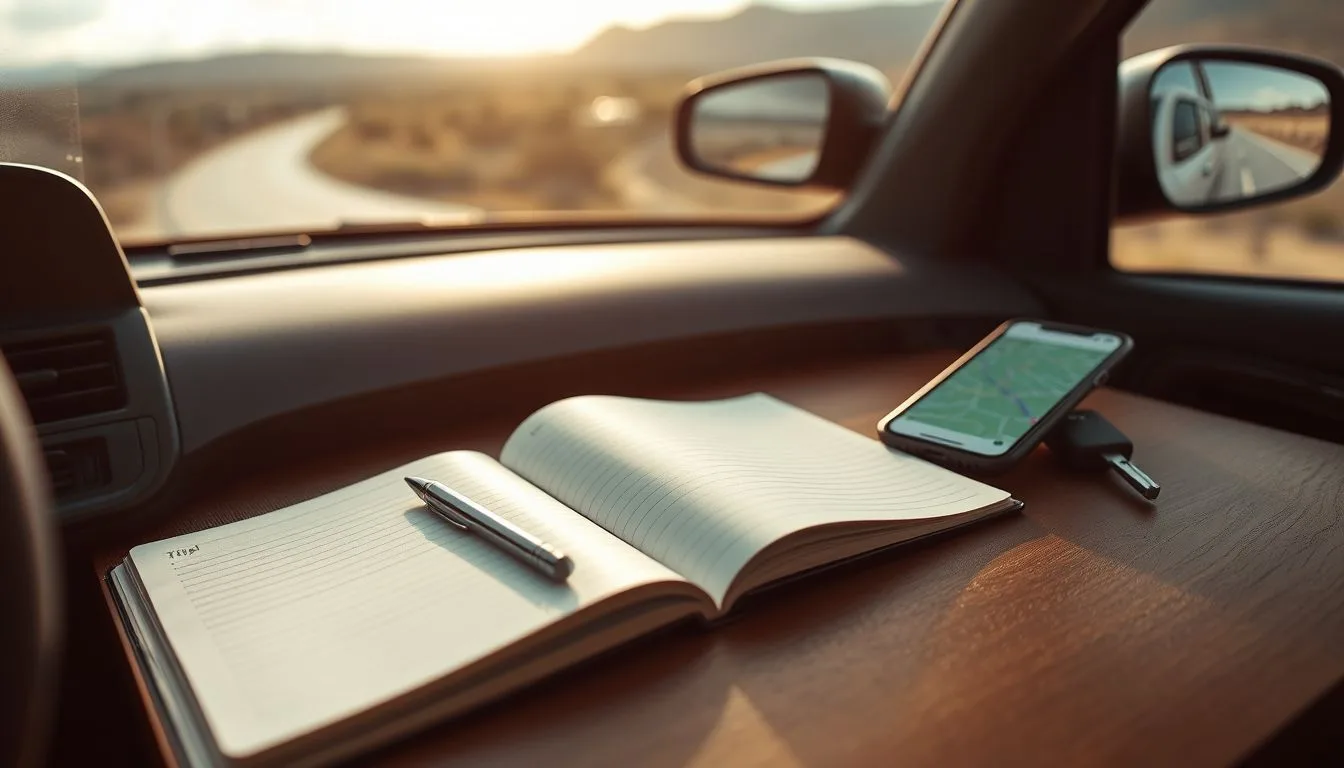
A notebook works but you will forget trips. A GPS trip app records the distance and route automatically, so you only need to label the purpose. See what to look for in a trip recorder.
What you can do with the data
- Real mileage and fuel cost: follow the cost per km guide and real mileage vs ARAI.
- Service timing: plan your service schedule by real distance.
- Resale: a clean record supports your asking price. See the used car checklist.
- Several cars: keep a separate history for each.
Claiming expenses
Rules for claiming car use differ by employer and country, so check what records they require. A GPS log with dates and distances is a good starting point, but it does not replace official rules.
Start logging
TripRank records each drive and keeps a garage with a history for every car, so your log builds itself. See the TripRank overview.
Frequently asked questions
What is a car mileage tracker?
A tool or app that records the distance, date and purpose of each trip so you can work out cost, service needs and claims.
Can an app replace a handwritten logbook?
For distance, time and route, usually yes. For official claims, check the records your employer or authority requires.
What should a car logbook include?
Date, times, start and end places, distance, odometer readings, trip purpose and fuel costs.
Can I keep logs for more than one car?
Yes. Keep separate histories, for example with a garage feature in a trip app.
 Car speedometer app: how to pick an accurate GPS speed app (and what to avoid)
 Car acceleration app: how to measure 0 to 100 km/h with your phone (safely)
 How to track a road trip: record your route, distance and stops for free