How to track a road trip: record your route, distance and stops for free
By the TripRank team · 20 November 2026 · 5 min read
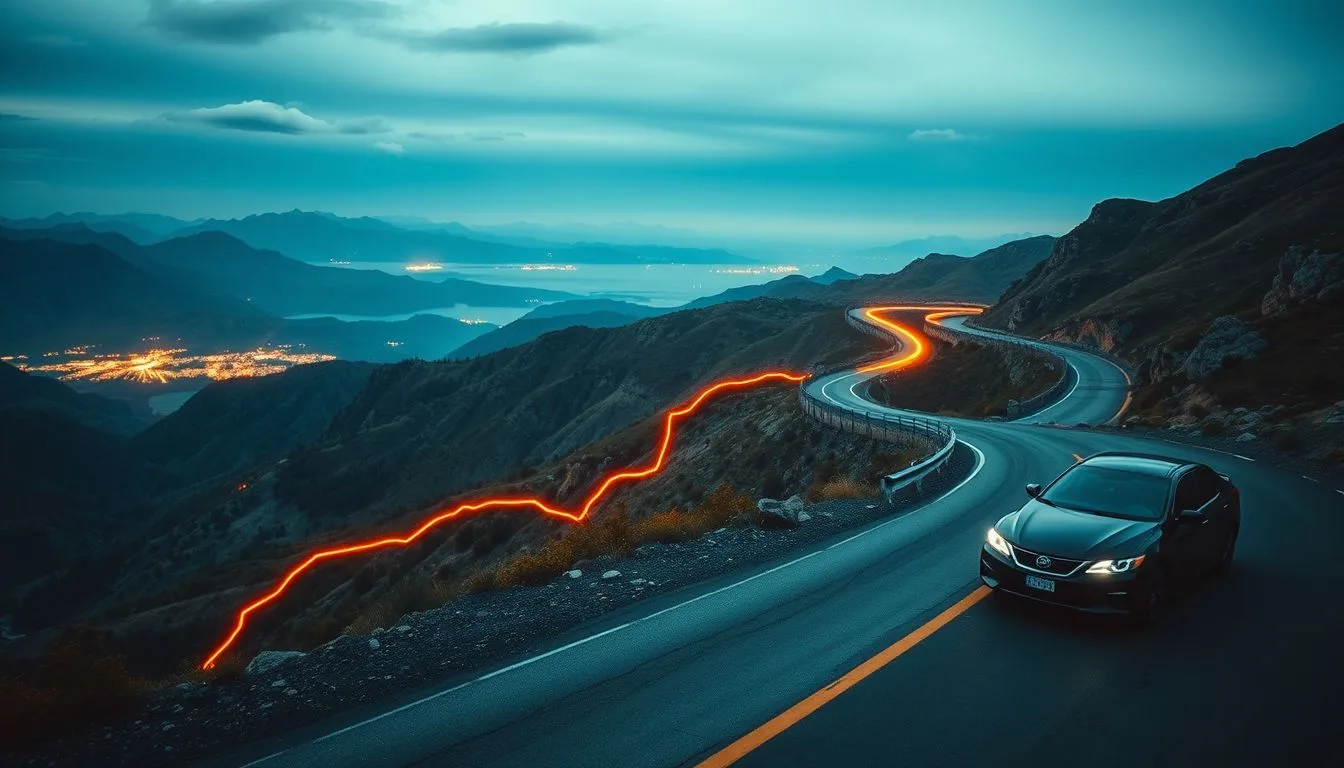
Tracking a road trip means recording where you went, how far and how long. You can keep it as a memory, share it with family or work out the real cost.
What you can track
- The route on a map, with each day's drive.
- Distance and time per leg and for the whole trip.
- Top and average speed, and elevation gain on hill routes.
- Fuel stops and costs, to find your cost per km.
How to do it
- Charge the phone, use a mount and a car charger.
- Start a trip recorder before you leave. Let it run in the background.
- End each day's drive so you get one record per day.
- Download maps or check signal on remote stretches. See the road trip checklist.
Share your live location
A live link lets family follow your drive without calls. It is also useful if you break down. See the highway breakdown checklist.
Save battery and data
GPS recording is light on data. Lower screen brightness and tips from the GPS battery guide will help on long days.
Make it memorable
Pair your map with photos from the road trip photography tips. Plan the toll stops with the FASTag guide.
Start tracking
TripRank records each drive in the background and gives you a map, stats and a live link to share.
Frequently asked questions
How do I record a road trip route?
Use a trip recorder app. Start it before you leave and end it at each stop for the day.
Can family follow my drive live?
Yes. Many apps, including TripRank, can create a live link to share.
Will tracking drain my battery?
GPS uses some power. Use a car charger and keep the screen dim.
Does tracking need mobile data?
Recording the route uses GPS and little data. Maps and live sharing need a connection.
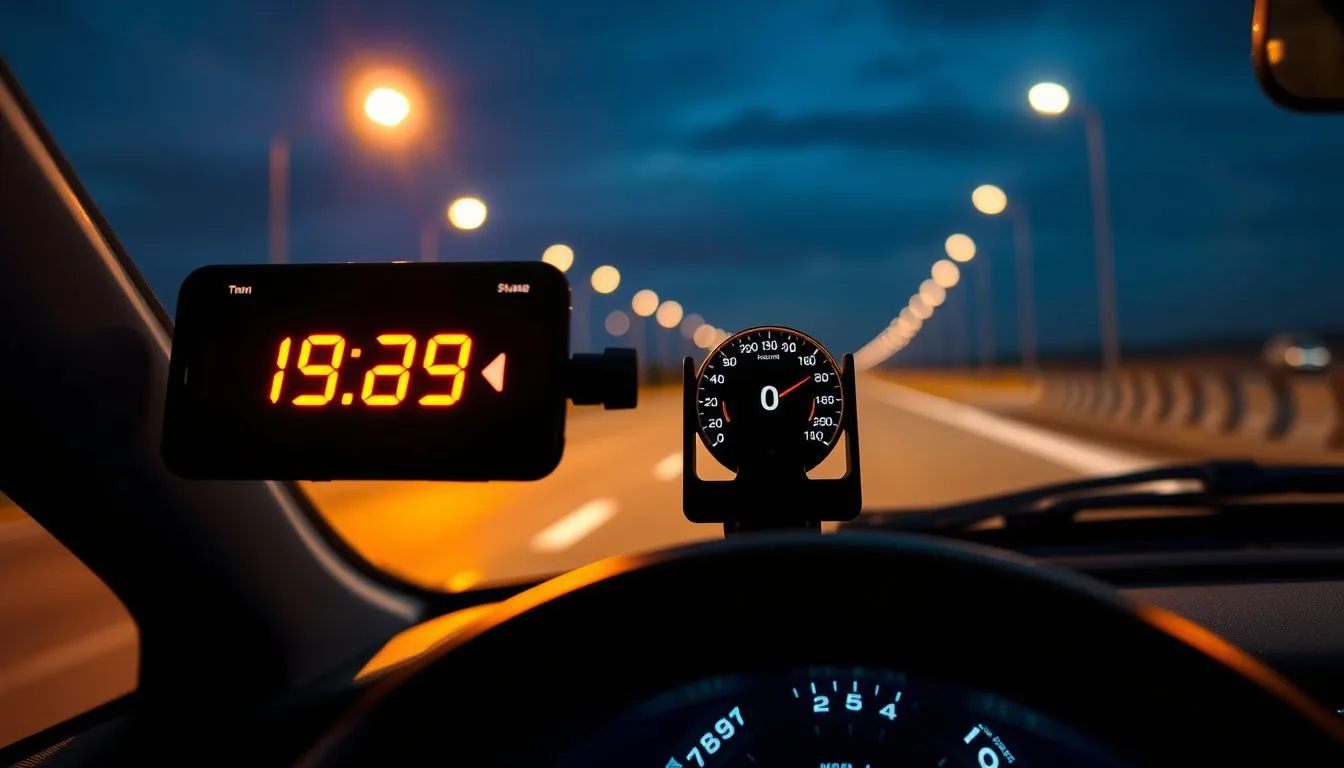 Car speedometer app: how to pick an accurate GPS speed app (and what to avoid)
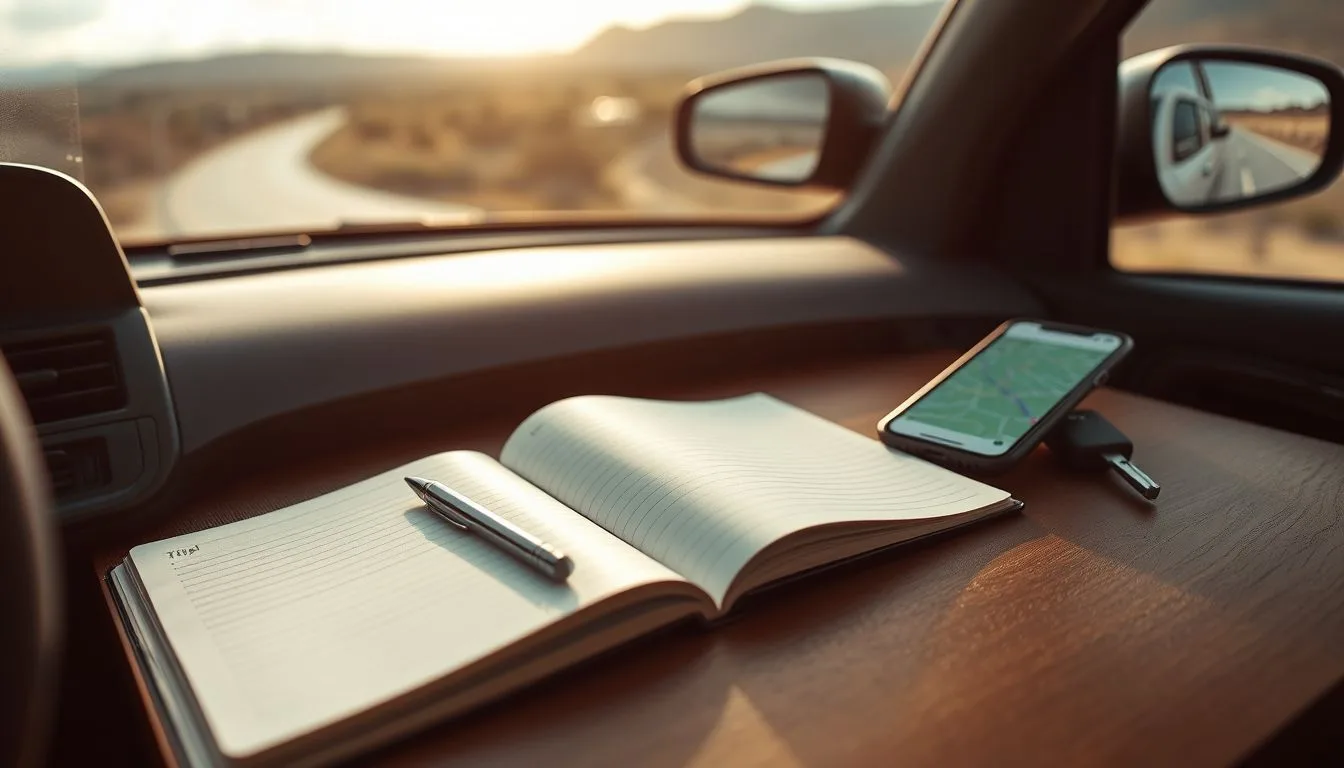 Car mileage tracker and logbook: how to log your trips automatically
 Car acceleration app: how to measure 0 to 100 km/h with your phone (safely)