
Dashcam buying guide for India: what to look for, how to fit it and how it works with trip tracking
By the TripRank team · 3 November 2026 · 6 min read
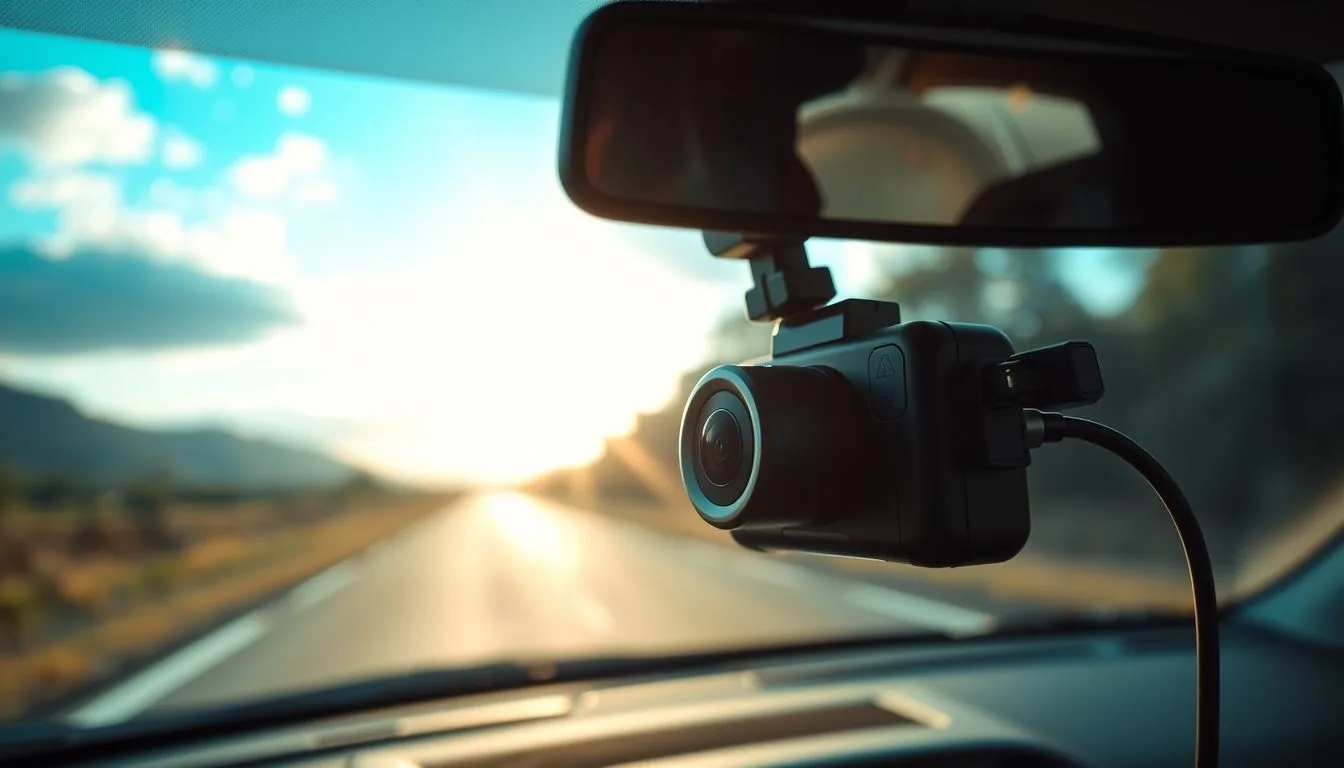
A dashcam is a small camera that records the road ahead, and sometimes the cabin and the rear. Its main value is evidence: if something happens, you have a clear record of it. Choosing one is mostly about a handful of features, and the most expensive model is not always the one that suits you.
What to look for
- Video quality. Full HD (1080p) is the practical minimum; higher resolutions can help read number plates but need more storage. Bigger numbers on the box do not guarantee a better picture, so look at sample footage, especially at night.
- Night performance. A good sensor and lens, plus features such as HDR or wide dynamic range, help in headlight glare and dark roads. This matters more than resolution for most drivers.
- Field of view. Wide enough to cover adjacent lanes, but not so wide that the picture bends at the edges. Around 140 to 160 degrees is common.
- Loop recording with event lock. The camera overwrites old footage automatically, and locks the clip when it senses an impact so it is not erased.
- Storage. Use a memory card made for continuous recording, called high-endurance. Ordinary cards wear out. Check the maximum card size the camera supports.
- Power. A capacitor-based camera tends to cope with heat better than one with a small battery, which matters through an Indian summer.
- Rear camera. Useful if you want to record being hit from behind. It adds cost and wiring.
- Parking mode. Records when the car is parked, but needs a hardwire kit so it does not drain the car battery.
Features that are nice but optional
- Wi-Fi to copy clips to your phone.
- A built-in GPS that stamps speed and location on the video. Remember a stamped speed can differ slightly from the car's speedometer.
- Voice control and a screen. A screen is handy for setting the angle but can distract; some drivers prefer no screen.
Fitting it neatly
- Mount it behind the rear-view mirror, high on the windscreen, so it does not block your view.
- Clean the glass before sticking the mount, and let the adhesive set.
- Hide the cable along the roof lining and down the pillar, tucked under trim. Keep it away from airbags: do not run a cable across an airbag panel.
- Use the right power source, either the 12 V socket or a hardwire kit connected to a fuse tap. If you are unsure about wiring, ask a professional installer.
- Set the date and time, and check the angle so the road, not the bonnet, fills most of the frame.
- Check footage after the first drive. Make sure the number plates are readable in daylight.
Privacy and the law
Rules on recording differ by place. Keep footage for your own use, do not post people's faces or number plates publicly, and check the local rules if you plan to record inside the cabin, especially for passengers or if you drive for a living. If you need to share a clip with an insurer or the police, give them a copy and keep the original.
Dashcam and trip recorder together
They answer different questions. The dashcam shows what the road looked like. A trip recorder like TripRank shows how the drive went: the route, the speed, where you braked hard and your driving score. After an incident or a memorable drive, the two together give you a fuller picture. If you like sharing your drives, our photography tips explain how to post photos without giving away your location.
New dashcam installed? Pair it with TripRank and record your next drive.
Frequently asked questions
What resolution dashcam do I need?
Full HD (1080p) is a practical minimum. Night quality and a good sensor matter more than a bigger resolution number.
Do I need a special memory card?
Yes, use a high-endurance card made for continuous recording. Ordinary cards wear out quickly in a dashcam.
Where should I mount a dashcam?
High on the windscreen behind the rear-view mirror, where it does not block your view, with the cable tucked along the trim and away from airbags.
Is a dashcam the same as a trip recorder?
No. A dashcam records video of the road. A trip recorder like TripRank records your route, speeds, hard brakes and a driving score. Many drivers use both.
 Car speedometer app: how to pick an accurate GPS speed app (and what to avoid)
 Car mileage tracker and logbook: how to log your trips automatically
 Car acceleration app: how to measure 0 to 100 km/h with your phone (safely)