
Harsh braking and acceleration: how a phone detects them and what the numbers mean
By the TripRank team · 23 November 2026 · 5 min read
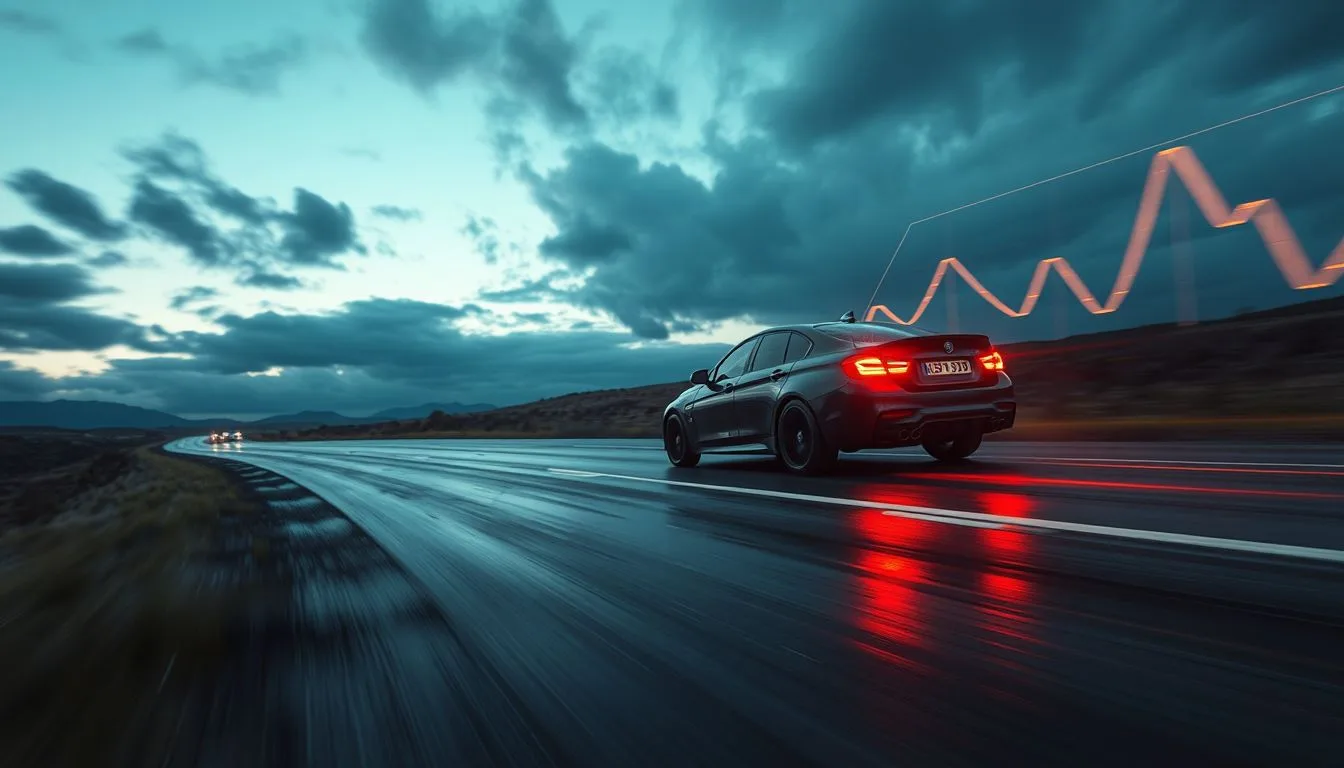
Driving apps flag harsh braking, harsh acceleration and sharp turns. They sound technical, but the idea is simple: measure how fast your speed or direction changes.
Two ways to measure
- From GPS speed: if speed drops sharply in a second or two, the app calls it hard braking. GPS usually updates about once a second.
- From the accelerometer: the phone's motion sensor feels the push directly and reacts faster, but it needs to know how the phone sits in the car.
What the numbers mean
Changes are often expressed in m/s² or in g, where 1 g is about 9.8 m/s². Gentle braking is well below 0.3 g. Hard braking is often counted from roughly 0.4 g upward. Apps choose their own thresholds, so compare scores only within the same app.
Why false alarms happen
- GPS glitches that look like sudden speed changes.
- Tunnels and weak signal.
- A phone sliding in the cup holder.
Good apps filter these. See GPS accuracy.
Not every hard brake is a mistake
Braking hard to avoid a hazard is good driving. What matters is the pattern: if you brake hard often, you are probably following too closely or looking too late. Fix it with a bigger following distance and smooth driving.
See your own events
Each trip in TripRank records braking and acceleration in its stats and feeds your driving score. Record a drive and look at the trip stats afterwards.
Frequently asked questions
How does an app detect harsh braking?
From a sharp drop in GPS speed or from the phone's accelerometer, compared to a threshold.
Is hard braking always bad?
No. Braking hard to avoid a hazard is right. Frequent hard braking suggests following too close.
Why do I see braking events that did not happen?
GPS glitches, tunnels or a sliding phone can cause false events. Good apps filter most of them.
Can I compare scores between apps?
Not directly. Each app sets its own thresholds.
 Are safe driving apps worth it? What they can and cannot do for you
 How to calculate your car's mileage (km per litre): the full-tank method and an app method
 Family car tracker: how to follow a loved one's drive without being intrusive