TripRank vs other driving apps: how to choose a trip tracker that fits you
By the TripRank team · 18 November 2026 · 6 min read
People use the word "driving app" for very different things. Knowing the type helps you pick well.
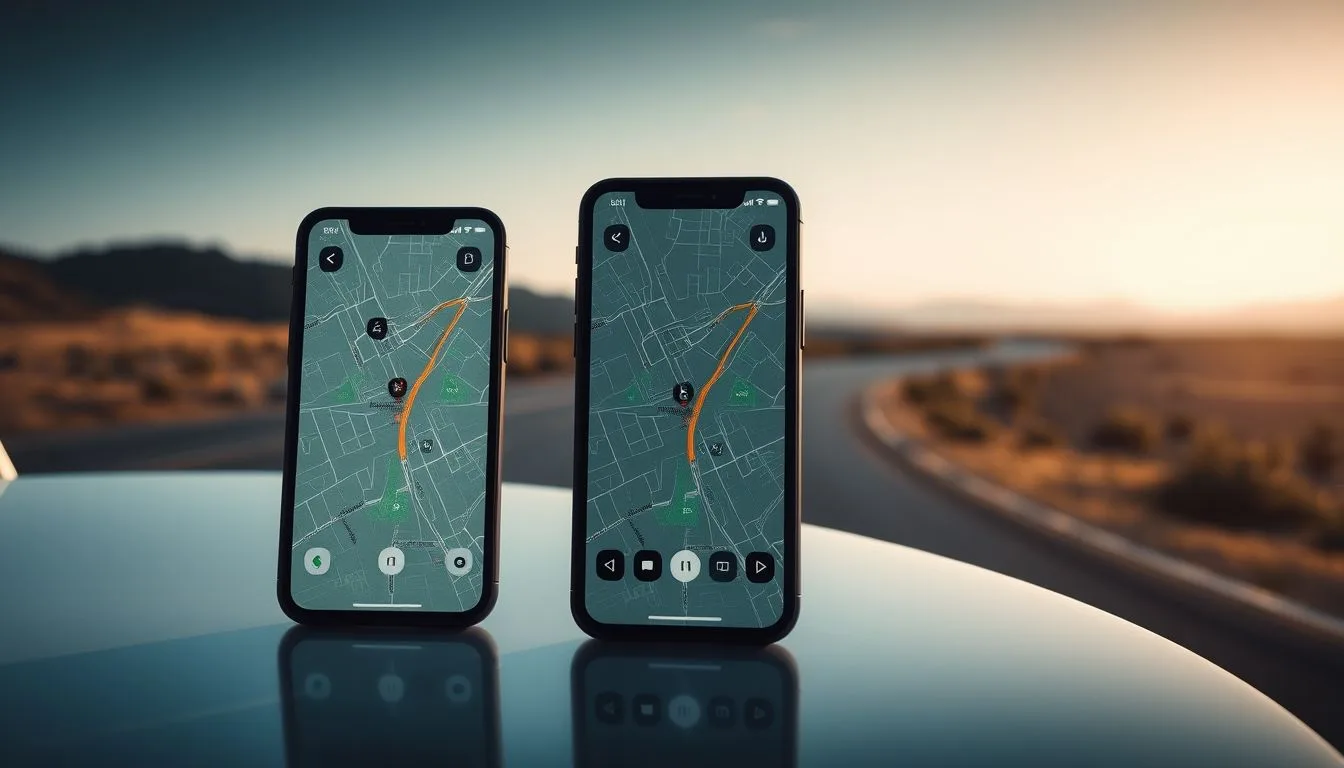
Navigation apps
They get you from A to B and show traffic. They are not made to score or rank how you drive.
Insurance telematics apps
They track your driving to set a premium. The data goes to an insurer, and the goal is a price, not fun or friends.
Fleet trackers
Built for companies tracking vehicles and staff. Often more than a private driver needs.
Driving score and social apps
This is where TripRank sits. It records your drives, gives each a driving score, and adds leaderboards, A-to-B races and a garage for your cars.
A checklist for choosing
- Purpose: do you want improvement, fun, a record or a price?
- Privacy: who sees your location, and can you delete your data? See GPS tracking and privacy.
- Battery and background: does it keep recording with the screen off?
- Accuracy: does it handle GPS glitches properly?
- Cost: what is free and what needs a paid plan?
- Safety: does it encourage reckless driving?
The trip recorder buying guide goes deeper, and tracker vs recorder explains the terms.
Try before you decide
TripRank is free to start. Record a few drives and judge for yourself.
Frequently asked questions
How is TripRank different from a navigation app?
A navigation app guides you along a route. TripRank records and scores how you drove and lets you compare with others.
Is TripRank an insurance app?
No. It is not tied to an insurer and your driving score is for you and your friends.
What should I look for in a driving app?
A clear purpose, good privacy, reliable background recording, accuracy and fair pricing.
Can I try TripRank for free?
Yes. It is free to start and includes a Pro trial for new accounts.
 Car speedometer app: how to pick an accurate GPS speed app (and what to avoid)
 Car mileage tracker and logbook: how to log your trips automatically
 Car acceleration app: how to measure 0 to 100 km/h with your phone (safely)